 RideCut
AI video editing for GoPro ride footage
A folder of ride footage in. One highlight movie out — found, cut, colour-matched and scored for you.
Free. No account. Analysis runs offline.
What the AI sees in a day of footage
The cameras, the cut, the musicTop: every file from the day, one lane per camera, with the amber marks for the moments the AI chose. Below: those clips in order, each frame split between the camera's own colour and the matched colour, brought to the reference clip outlined in amber. The soundtrack is heard only where the drone flies, or under the whole movie with one click.
How the AI edit works
Three steps, folder to finished movie- 01
Open the folder
Point RideCut at the folder a ride left behind: GoPro, phone, camera and drone files, mixed any way you like. Subfolders are scanned and nothing in the folder is changed.
- 02
The AI watches all of it
Every file is read for motion, GPS and the GoPro's sensors, and the moments worth keeping rise to the top. It runs on your computer and works offline.
- 03
Review and render
Check the automatic cut on a timeline with one lane per camera. Swap or trim clips, set a target length, then render one movie in landscape or portrait, up to 4K.
One look across every camera
Part of ProGoPro, phone and drone clips are matched to one reference clip, so the colour stops jumping between cameras. Claude suggests the reference and checks the result, and you can pick another clip.
Add a look on top if you like: Natural, Warm golden hour, Punchy, Cool morning, Faded film or Moody forest, or one you describe in words, with an intensity slider. Before and after stills sit in the Colour tab. It costs a few cents of usage per movie, and if usage runs out the clips are still matched by measurement.
AI soundtracks, scored to the cut
Part of ProMusic that fills the gaps: the soundtrack can play only over clips with no audio, such as drone footage, and clips you muted, or under the entire video. One continuous track fades in and out at each gap.
Build the track from a style, or from a Custom description with your choice of tempo, energy, mood, instruments and vocals, at a length that matches the gaps or the whole cut. A strip under the timeline shows the cut with the track's waveform, amber where it's heard.
It runs in the cloud through the RideCut sign-in and comes with Pro, so there is no key to set up.
Speed, altitude and a mini-map, drawn on
Speed, altitude, climb angle and a mini-map can be drawn on the movie. They come from the GoPro's GPS, or from a GPX track recorded on a phone or watch if the camera did not keep one.
Rating with Claude
OptionalClaude looks at a contact sheet of each moment, four frames on one image, and rates it. The cut gets sharper for it.
Free and Pro
Two plans, one appFree
$0- Open, analyze, review and render, with no account. Analysis runs offline.
- Rating with Claude works with your own Anthropic key.
- Soundtrack generation is Pro only.
Pro
$10 a month- Rating with Claude, colour matching across cameras and music that fills the gaps, through the RideCut sign-in. No API key needed.
- AI rating, editing, colour matching and soundtracks draw on one metered usage allowance. The app shows the percent remaining, and you can top up any time.
- Upgrade from inside the app. Payment by Stripe. Cancel any time.
The full detail is on the RideCut pricing page.
How to get Pro
- 01
Download RideCut
Install the free app for Windows or Mac from the RideCut download page.
- 02
Sign in from the account bar
Pro runs through the RideCut sign-in, so there is no API key to set up.
- 03
Choose Upgrade
Payment is by Stripe. Cancel any time.
Requirements
Windows 10 or 11, or macOS 12 or later. The download page picks the right installer for your computer. Every version is listed on the releases page.
Why it exists
Every ride left hours of footage. Cutting it by hand took so long that I stopped, and the unedited rides stacked up.
So I built the editor I wanted: point it at the folder, get the movie. My rides go through it now. Other riders have the same backlog, so here it is.
Questions riders ask
Automatic video editing, answeredCan AI edit my GoPro footage automatically?
Yes. Open the folder a ride left behind and RideCut reads every file for motion, GPS and the GoPro's sensors, picks the moments worth keeping and lays them on a timeline. Check the cut, swap or trim anything, then render one movie.
Does RideCut work for motorcycle ride videos?
It was built for them. RideCut grew out of dirt bike days on the forest and mountain tracks of northern Thailand, and it can draw speed, altitude, climb angle and a mini-map on the movie from the GoPro's GPS or a GPX track.
Can RideCut generate music for my ride video?
Yes, on Pro. RideCut builds an original track from a style, or from a Custom description with your choice of tempo, energy, mood, instruments and vocals. It can play under the entire video or only in the gaps, at a length that matches. It runs through the RideCut sign-in, so there is no key to set up.
Does automatic video editing need an internet connection?
No. Analysis runs on your computer and works offline. The Pro features that use the RideCut sign-in, such as rating with Claude, colour matching and soundtrack generation, go online.
Is RideCut free?
Yes. The Free plan is $0 and needs no account, and rating with Claude works with your own Anthropic key. Pro is $10 a month and adds Claude rating, colour matching across your cameras and soundtracks through the RideCut sign-in, on metered usage you can top up.
Can it edit footage from more than one camera?
Yes. Point it at a folder with any mix of GoPro, phone, camera and drone files, subfolders included. The timeline shows one lane per camera, and each moment comes from whichever camera was pointing the right way at the time.
Can RideCut match the colour between my GoPro and drone?
Yes, on Pro. GoPro, phone and drone clips are matched to one reference clip, so the colour stops jumping between cameras. Claude suggests the reference and checks the result, and you can pick another clip. It costs a few cents of usage per movie, and if usage runs out the clips are still matched by measurement.
Can the music play only over the drone clips?
Yes, on Pro. The soundtrack can play only in the gaps: clips with no audio, such as drone footage, and clips you muted. It is one continuous track that fades in and out at each gap, and a strip under the timeline shows where it is heard. Or play it under the entire video.
Free for Windows and Mac. Colour matching and music are part of Pro, $10 a month.
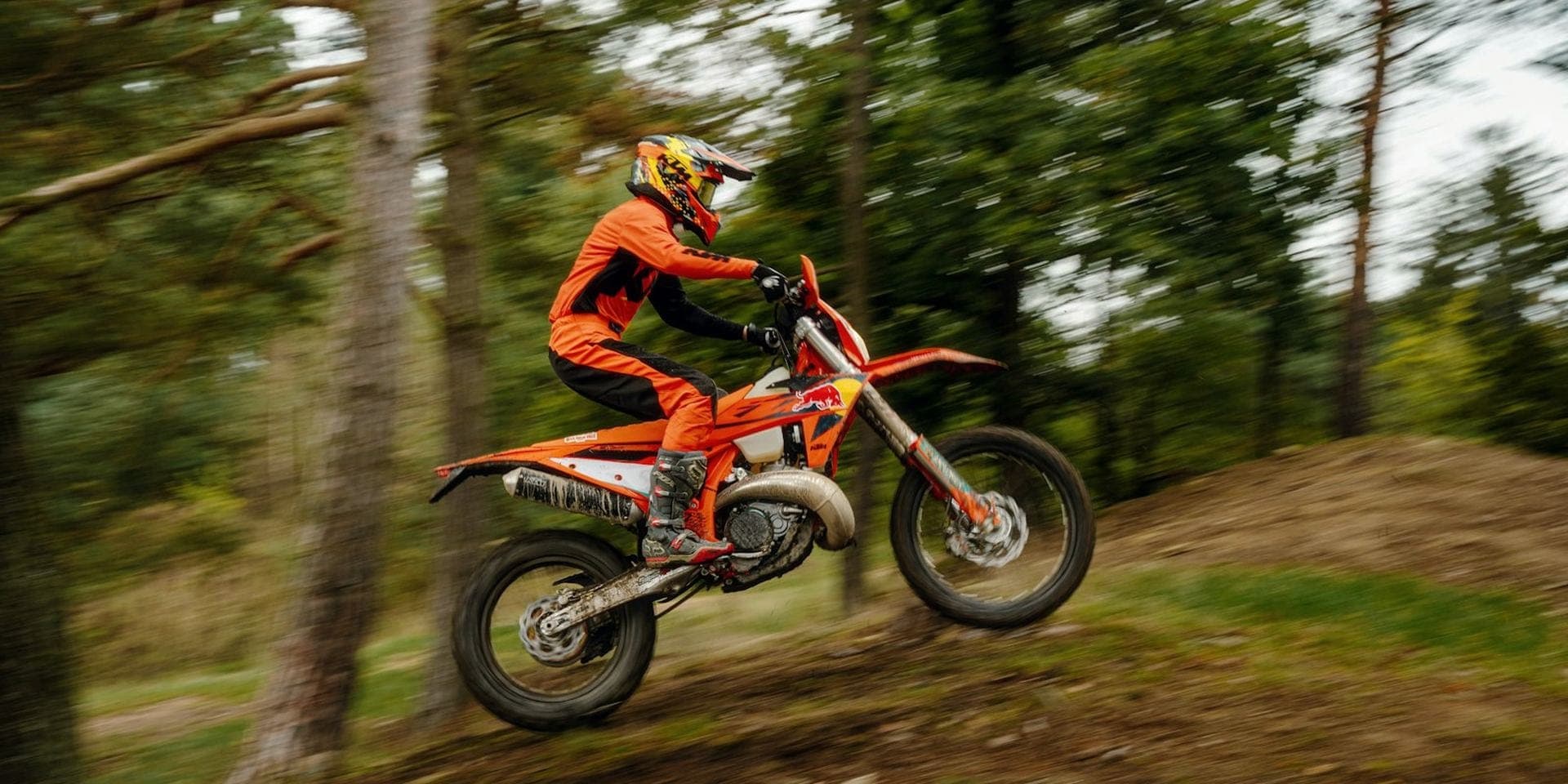
More about the app at ridecut-cloud.vercel.app. Hero photo by Václav Pechar on Unsplash.
Back to Chiang Mai Dirt Bike